

The Career Switch Playbook into Product Management by Nkeonye Akumah - HTML preview
Download the book in PDF, ePub, Kindle for a complete version.
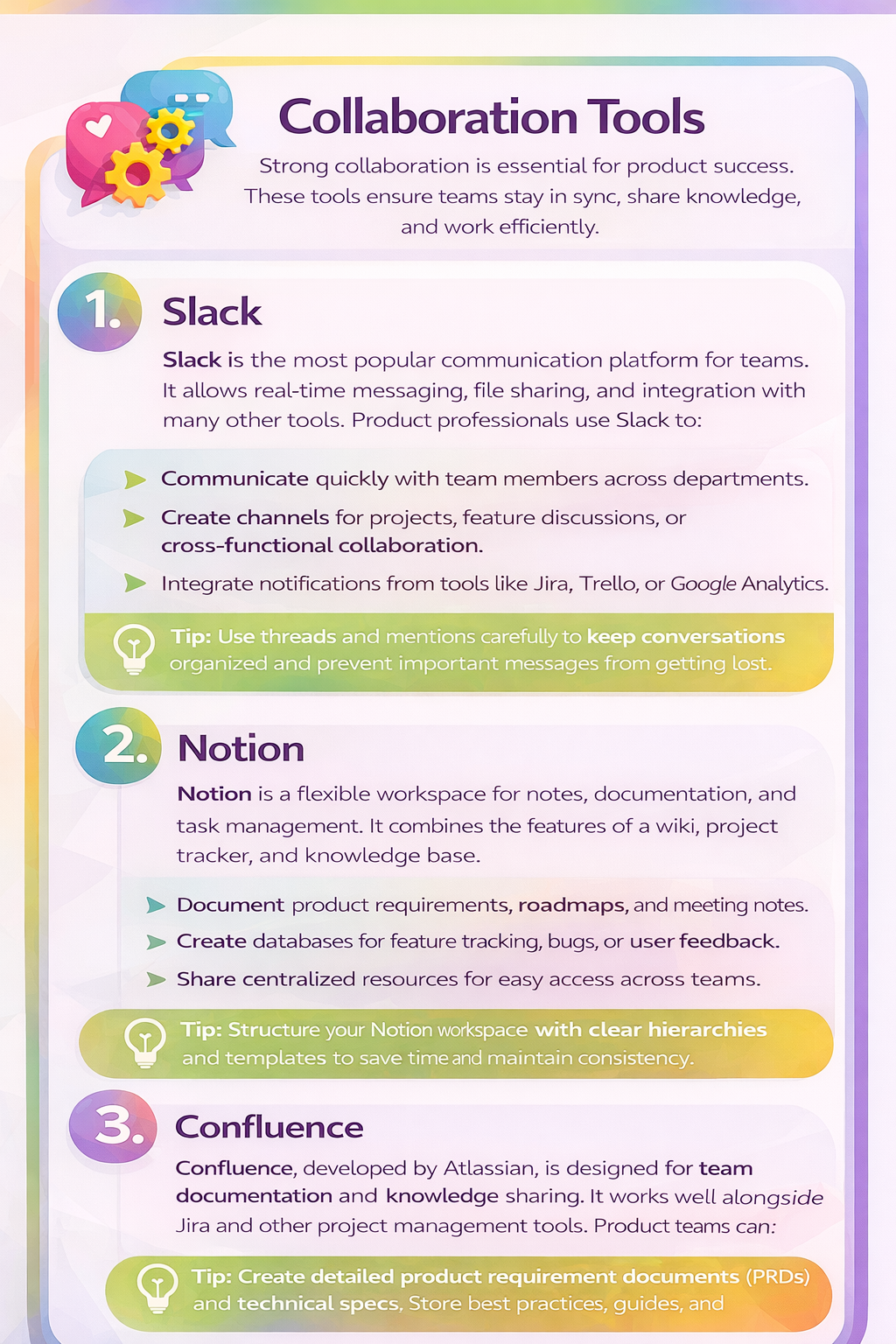
Tip: Structure your Notion workspace with clear hierarchies and templates to save time and maintain consistency.
3. Confluence
Confluence, developed by Atlassian, is designed for team documentation and knowledge sharing. It works well alongside Jira and other project management tools. Product professionals can:
• Create detailed product requirement documents (PRDs) and technical specs.
• Store best practices, guides, and team knowledge.
• Collaborate with comments and inline editing features.
Tip: Keep Confluence pages updated regularly—outdated documentation can confuse teams more than having none at all.
Choosing the Right Tool
While it’s tempting to use every tool available, the key is to choose the ones that fit your team’s size, workflow, and goals. Some tips for selecting the right tools:
• Start simple – pick one project management tool and one analytics tool before expanding.
• Ensure integration – the tools should work together to avoid data silos.
• Focus on adoption – a tool is only useful if the team actually uses it consistently.
• Consider scalability – choose tools that grow with your team and product.
Conclusion
Mastering the right tools is as important as understanding product strategy. Project management tools like Jira, Trello, and Asana keep work organized. Analytics tools like Google Analytics, Mixpanel, and Amplitude provide actionable insights. Collaboration tools like Slack, Notion, and Confluence ensure the team communicates and shares knowledge effectively.
By becoming proficient in these tools, you can save time, make data-driven decisions, and build stronger relationships with your team. Start by experimenting with one or two tools in each category, then expand as you gain confidence. The right combination of tools will empower you to move faster, deliver better products, and make a meaningful impact as a product professional.