Excel VBA formulas for Spreadsheet by Sharath Kumar Peechara - HTML preview
PLEASE NOTE: This is an HTML preview only and some elements such as links or page numbers may be incorrect.
Download the book in PDF, ePub, Kindle for a complete version.
Download the book in PDF, ePub, Kindle for a complete version.
Exercise 24: Monthname Function
To create this Function, execute the following steps
1. Create a UDF Monthname() ( User Defined Function)
- Open Excel VBA (Alt + F11)
- Insert a New Module
- In the Project Explorer, double click on the Module
- Add the following code line:

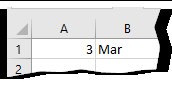
This Code lines will create function Monthname() In Cell B1 Type
=Monthname(A1)
2. Use Excel Formulas (CHOOSE)
Syntax
CHOOSE(index_num, value1, [value2], ...)
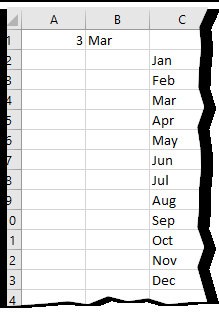
=CHOOSE(A1,C2,C3,C4,C5,C6,C7,C8,C9,C10,C11,C12,C13)