

Engineering Mindset for Early-Career Developers by Moyinoluwalogo O. Mayowa - HTML preview
Download the book in PDF, ePub, Kindle for a complete version.
STEP 1: REPRODUCING THE PROBLEM
The first step in debugging is ensuring the problem can be reproduced consistently.
If an issue occurs only occasionally, it becomes much harder to diagnose.
Engineers begin by identifying:
• when the problem occurs
• how frequently it happens
• what actions trigger it
For example, suppose a web application crashes when a user submits a form.
A developer might attempt to reproduce the issue by:
• submitting different types of data
• using different browsers
• testing on multiple devices
Reproducing the issue reliably allows developers to study the problem more effectively.
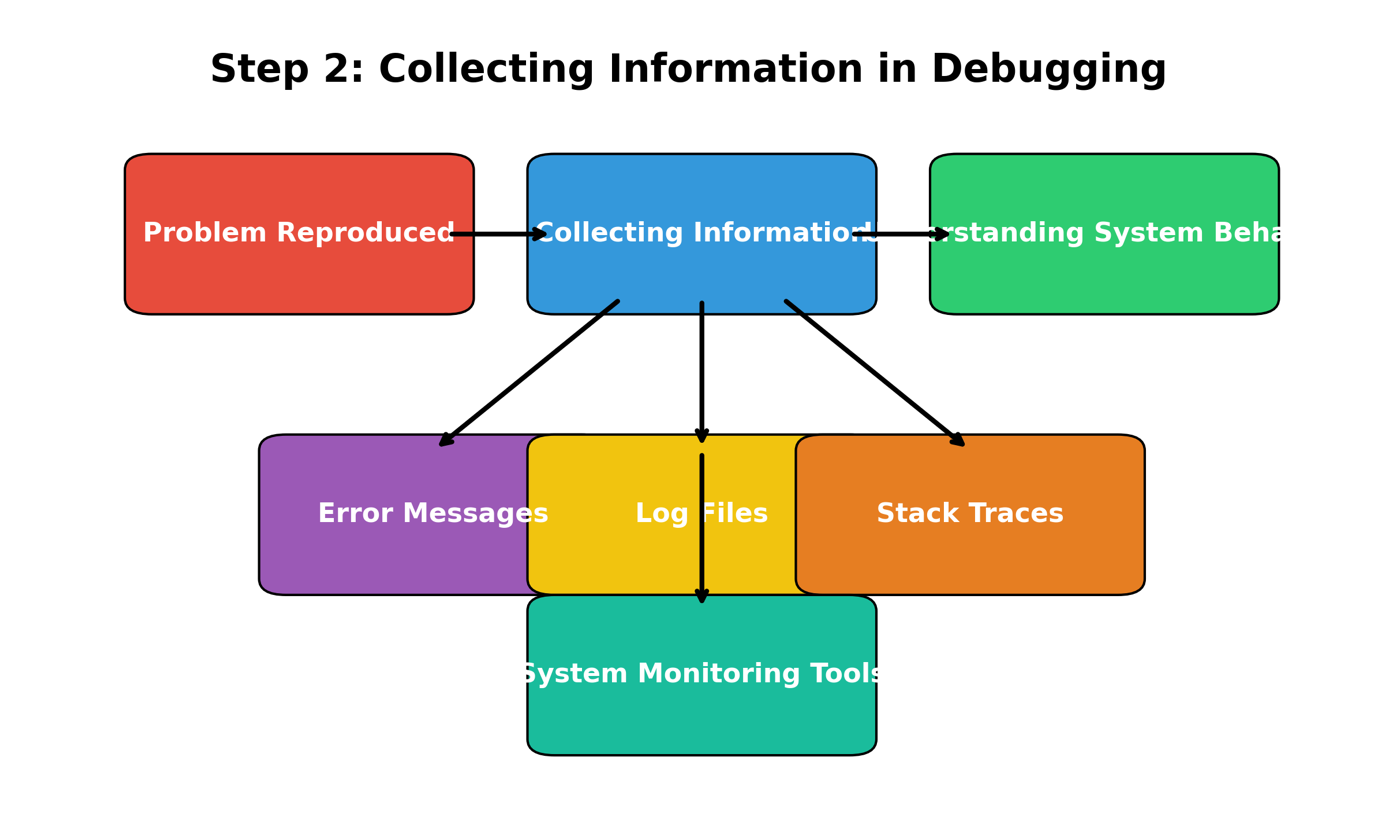
STEP 2: COLLECTING INFORMATION
Once the problem is reproducible, engineers gather information about the system's behavior.
Useful sources of information include:
• error messages
• log files
• stack traces
• system monitoring tools
Logs are particularly valuable because they provide a record of system activity.
For example, a server log might reveal that a specific function failed due to a missing database record.
Carefully examining available information often reveals clues about the root cause of the issue.
STEP 3: ISOLATING THE CAUSE
After collecting information, the next step is isolating the exact cause of the problem.
In complex systems, many components interact with each other.
The goal is to identify which component is responsible for the failure.
Developers may isolate the cause by:
• disabling certain features temporarily
• testing individual components
• simplifying the code path
This process gradually narrows down the possible sources of the problem.
For example, if a system involves several services, engineers may test each service individually to determine which one is malfunctioning.
STEP 4: TESTING POSSIBLE SOLUTIONS
Once the likely cause is identified, developers experiment with possible fixes.
However, strong engineers avoid blindly applying fixes.
Instead, they test solutions carefully to confirm that the root cause has been addressed.
For example, if a bug occurs due to incorrect input validation, a developer may update the validation logic and test multiple scenarios to ensure the fix works correctly.
Testing prevents introducing new issues while solving the existing problem.
STEP 5: VERIFYING THE FIX
After applying a solution, engineers verify that the issue has been resolved completely.
Verification may include:
• running automated tests
• manually testing edge cases
• reviewing system logs
It is also important to confirm that the fix does not create new problems elsewhere in the system.
This final verification ensures system stability.
USING DEBUGGING TOOLS
Modern development environments provide powerful debugging tools that help engineers investigate problems.
These tools allow developers to observe program behavior in real time.
Common debugging tools include:
BREAKPOINTS
Breakpoints allow developers to pause program execution at a specific line of code.
This makes it possible to inspect variables and program state.
Breakpoints are useful when analyzing complex logic.
STEP EXECUTION
Developers can execute code one line at a time to observe how values change during execution.
This helps reveal logical errors.
STACK TRACES
Stack traces show the sequence of function calls that led to an error.
They help developers locate the origin of problems.
LOGGING
Logging records important system events.
Logs provide valuable insights into system behavior over time.
READING ERROR MESSAGES CAREFULLY
Error messages often contain valuable information about what went wrong.
However, beginners sometimes ignore or misunderstand error messages.
Carefully reading error messages can save significant debugging time.
For example, an error message might indicate:
• a missing file
• an invalid function argument
• a database connection failure
Understanding the message helps identify the source of the problem quickly.
THE IMPORTANCE OF LOGGING
Logging is one of the most effective debugging tools.
By recording important events during system operation, logs help engineers understand what happened before a failure occurred.
Useful log information may include:
• user actions
• system errors
• API requests
• database operations
Well-designed logging systems allow developers to trace the flow of events leading to a problem.
This is especially important in large distributed systems.
AVOIDING RANDOM DEBUGGING
One common mistake among early developers is randomly changing code in hopes of fixing a problem.
This approach rarely leads to effective solutions.
Random debugging may:
• introduce new bugs
• hide the original issue temporarily
• make the system harder to understand
Instead, engineers rely on evidence and logical reasoning.
Each change should be based on a clear hypothesis about the cause of the issue.
DEBUGGING IN LARGE SYSTEMS
Modern software often consists of many interconnected services.
Debugging such systems requires understanding how components interact.
In distributed systems, engineers must consider issues such as:
• network latency
• service dependencies
• asynchronous processing
• data synchronization
Monitoring tools and distributed tracing systems help developers analyze these complex interactions.
LEARNING FROM BUGS
Every bug provides an opportunity to learn.
When developers encounter problems, they gain insights into:
• system architecture
• programming language behavior
• edge cases and unusual scenarios
Instead of feeling discouraged, developers should view debugging as a valuable learning experience.
Many experienced engineers say they learned the most about programming while fixing difficult bugs.
PREVENTING FUTURE BUGS
While debugging is essential, preventing bugs is equally important.
Engineers use several strategies to reduce the likelihood of errors.
These include:
• writing automated tests
• conducting code reviews
• using static analysis tools
• validating user input carefully
By improving development practices, teams can reduce the number of bugs that appear in production systems.