

Access Checklist by Dennis - HTML preview
PLEASE NOTE: This is an HTML preview only and some elements such as links or page numbers may be incorrect.
Download the book in PDF, ePub, Kindle for a complete version.
Download the book in PDF, ePub, Kindle for a complete version.
Facebook Public Figure Page
Want to know the difference between a Facebook public figure page and Facebook profile?
1. Log in to https://business.facebook.com/.
2. Click Settings.
3. Click Business Settings.
4. Under Accounts, click Pages.
5. Under Pages, click Add.
6. Click Add a Page.
7. Write the URL for your Facebook Public Figure page.
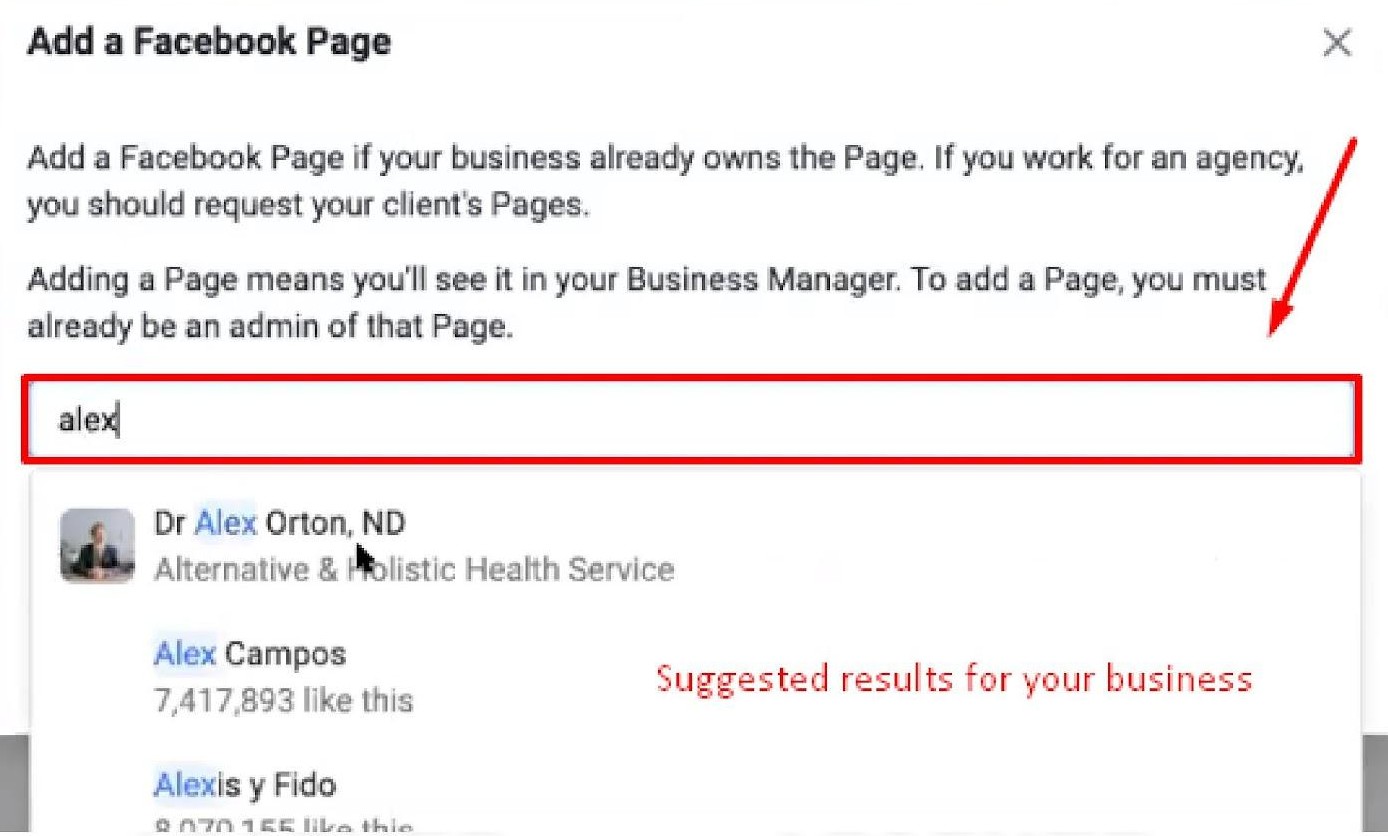
Tip: You can also type the name of your business, and a drop-down may appear for your Public Figure Page
8. Click Add Page.
9. Click Add All