Access Checklist by Dennis - HTML preview
PLEASE NOTE: This is an HTML preview only and some elements such as links or page numbers may be incorrect.
Download the book in PDF, ePub, Kindle for a complete version.
Download the book in PDF, ePub, Kindle for a complete version.
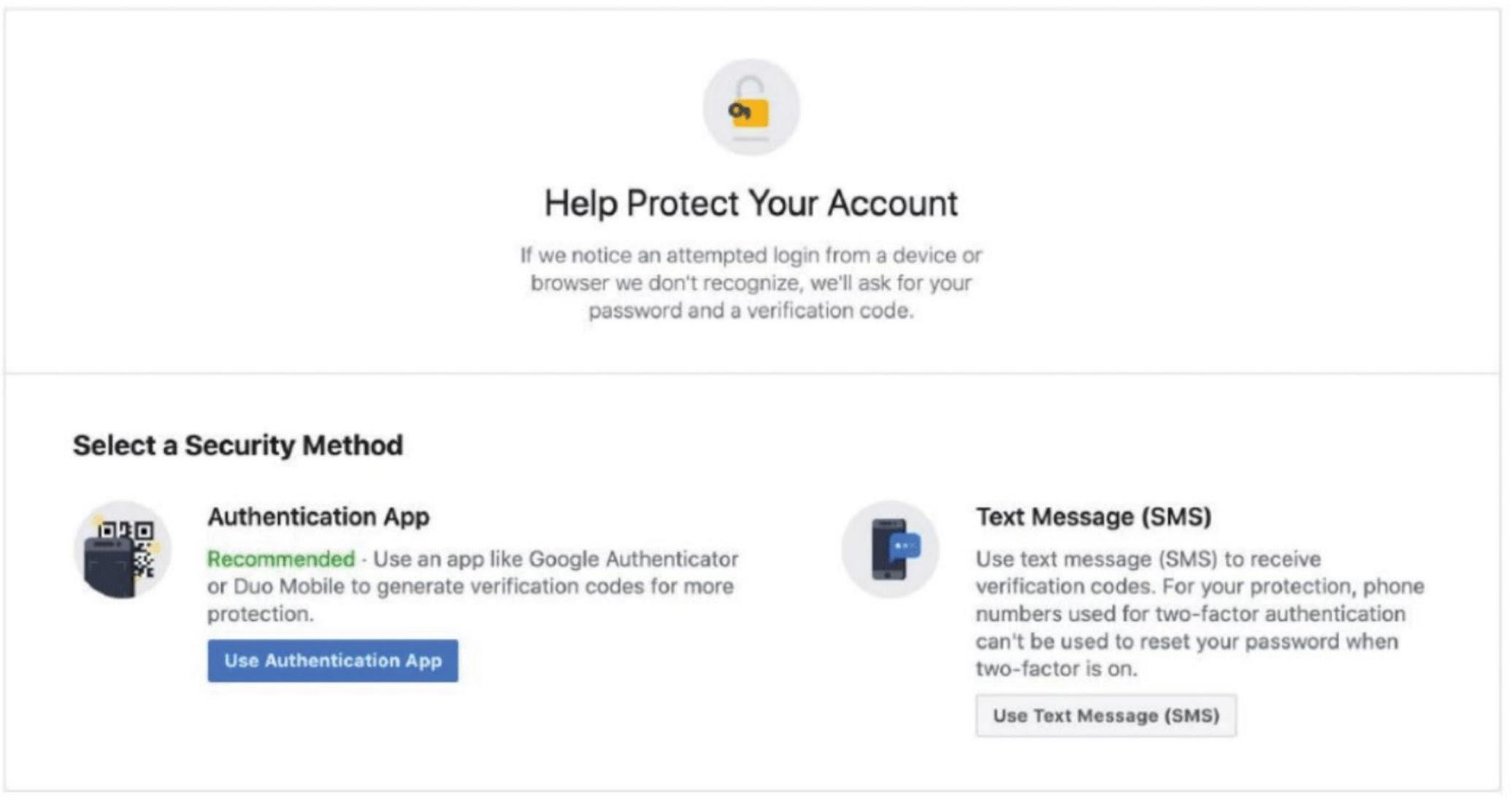
Activate Two-Factor Authentication on Facebook
Starting May 18, 2020, Facebook requires the use of two-factor authentication to access Business Manager.
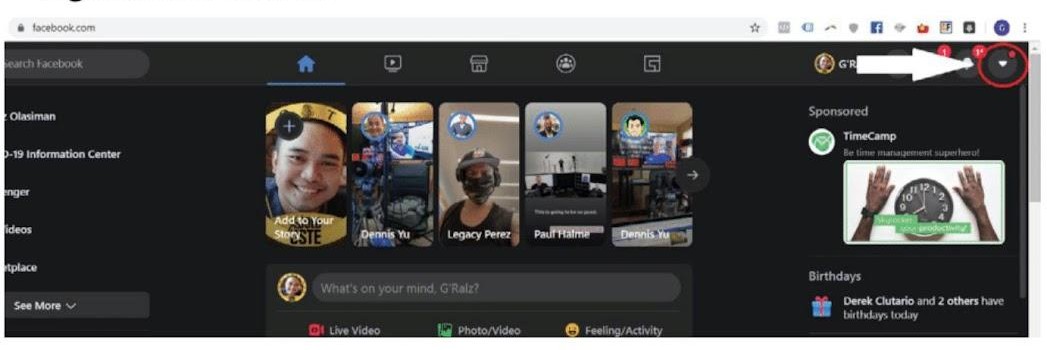
1. Log in to facebook.com.
2. Click onto the downward pointing triangle in the far right-hand corner.
3. Click Settings and Privacy.
4. Click Settings.
5. Click Security and Login.
6. Scroll down to the "Two-Factor Authentication" Section.
 If you see that Two-Factor Authentication is turned on for your account, you’re good to go.
If you see that Two-Factor Authentication is turned off for your account, click Edit.
7. Choose Authentication Option of choice.