Getting Started with Google Analytics by Eli Davis - HTML preview
PLEASE NOTE: This is an HTML preview only and some elements such as links or page numbers may be incorrect.
Download the book in PDF, ePub, Kindle for a complete version.
Download the book in PDF, ePub, Kindle for a complete version.
Creating an Account
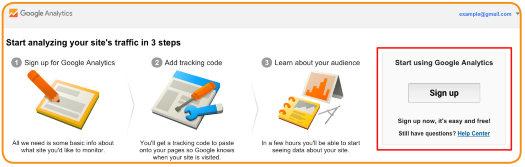
Once your website and Google account are all set up and ready, it’s time to get a Google Analytics account. To do this, go to https://www.google.com/analytics/ and sign up for Google Analytics. You’ll also see a short description of the three steps that you’ll need to complete. Take a look at these steps and hit Sign up:
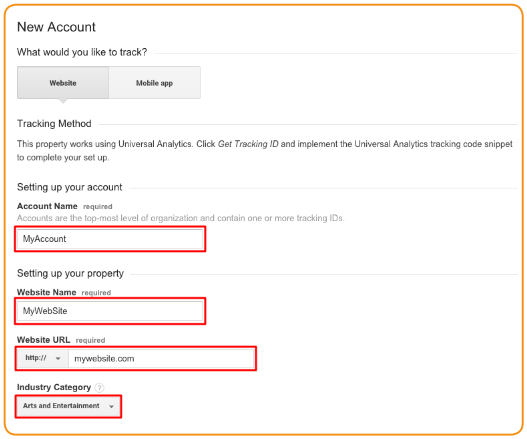
Once Google redirects you to the next page, fill in the information regarding your account and website: