

Oracle SQL, PLSQL, APEX How To's by Dr. S. Raghunathan - HTML preview
PLEASE NOTE: This is an HTML preview only and some elements such as links or page numbers may be incorrect.
Download the book in PDF, ePub, Kindle for a complete version.
Download the book in PDF, ePub, Kindle for a complete version.
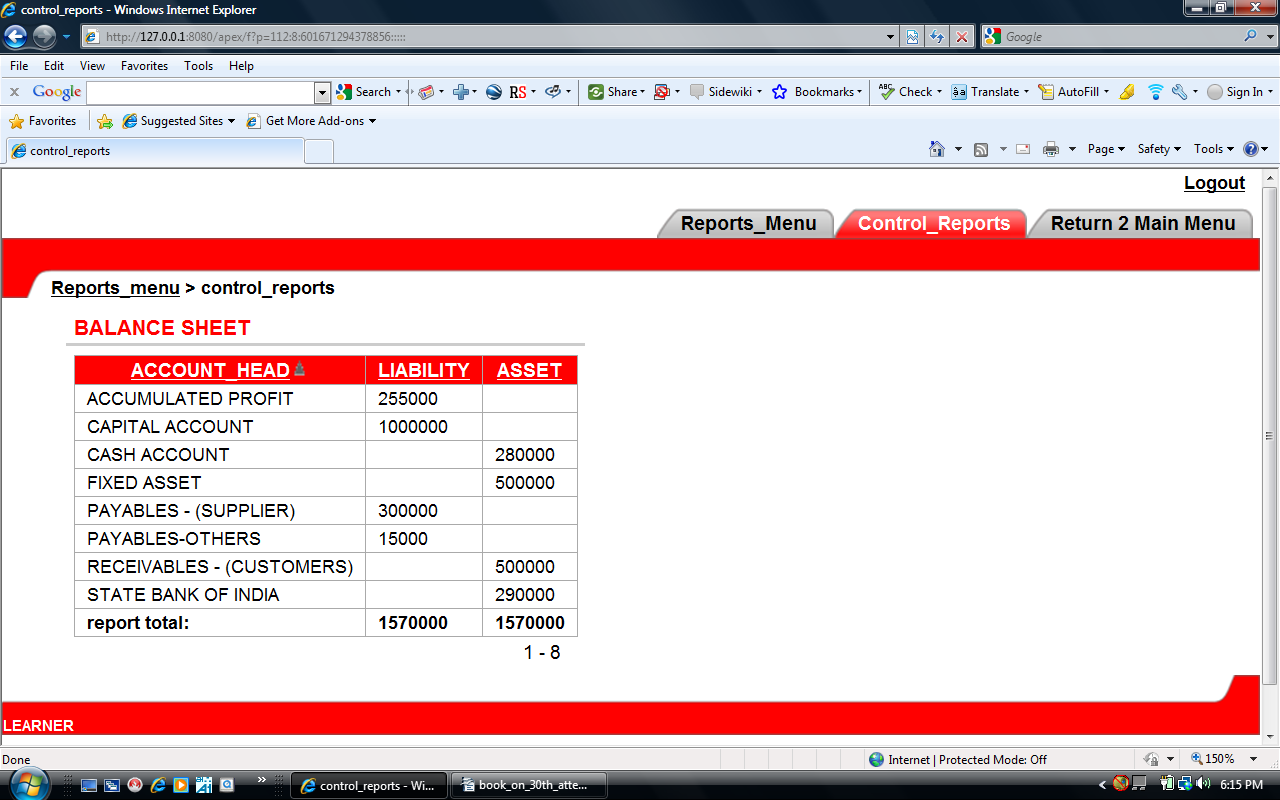
→ Under Region select Report Under column attributes, select the
column Liability and Asset and corresponding sum box may be ticked and click apply changes'
Now we require another report Profit and Loss Account in the same page but under different region' Shall we try?
Edit Page - 8
→ Under region click create button
→ select report and click next
→ select SQL Report and click NEXT
→ Under Title Profit and Loss Account type and click NEXT
→ type