Read The Great
Gatsby
FREE.
Click Here

Try it FREE or V.I.P. Sign-up Now. It's Quick and Easy!

Free-Ebooks.net is the internet's #1 online source for free ebook downloads, resources and authors
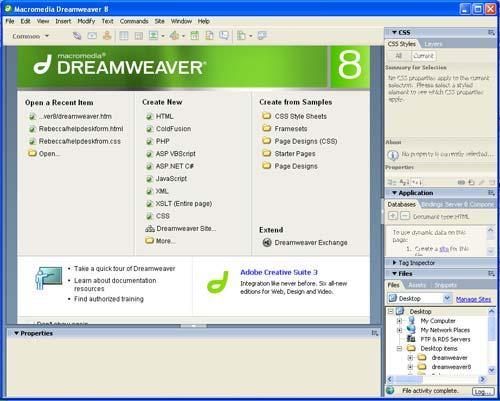
Working with Web Pages in Dreamweaver 8
updated June 05, 2007
Introduction and Preparation
In this tutorial you will be creating a fictitious book selling web site. Because the web pages
that you will create will be linked to other pages and images it is important to start by
1. creating a folder which will contain your web pages and images. If you will be working
on multiple machines you may want to create this folder on a jumpdrive or floppy disk.
Please follow the following protocol for naming your folders and web pages
o No spaces, extra periods, or special characters (except dashes or underscores)
o No numbers at the beginning of the file name
o Every file name must be unique
o Use lowercased letters
2. Within your web site folder create another folder to contain your images.
By having all elements of your web site contained within one main folder, you will be
less likely to "break links".
Table of Contents
Page 1

READ THIS BOOK AS

* For VIP Members Only. To access these formats usable with Kindle, Sony Reader, iPad and other readers, please upgrade


Do you like this book? yes no
LIKES (12)
DISLIKES (1)


Free-eBooks.net, Paradise Publishers Inc.